Profile
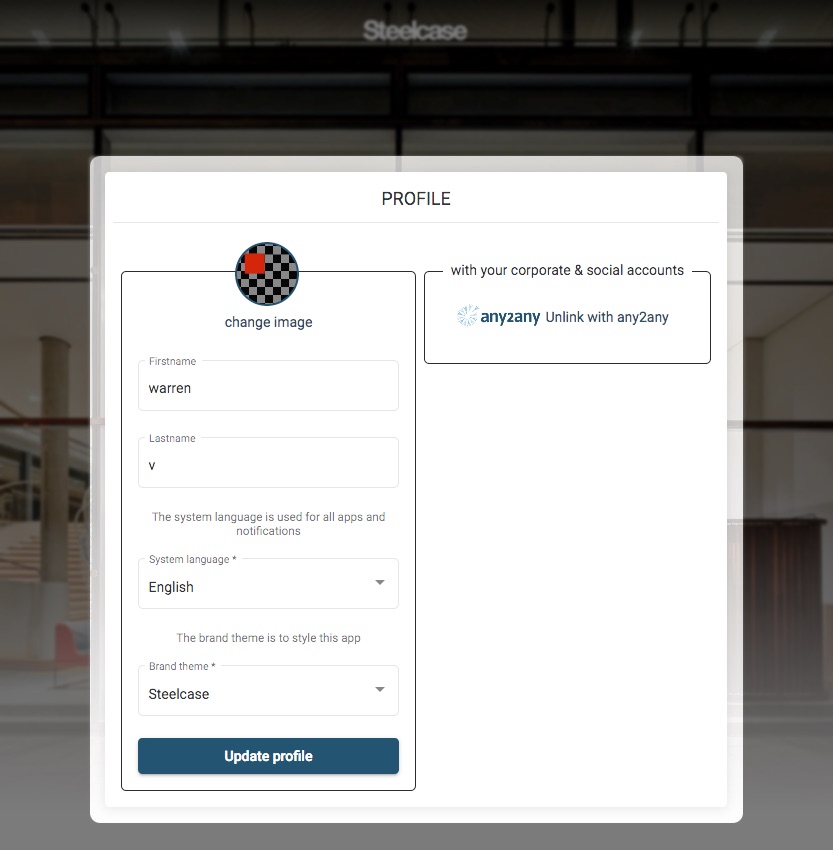
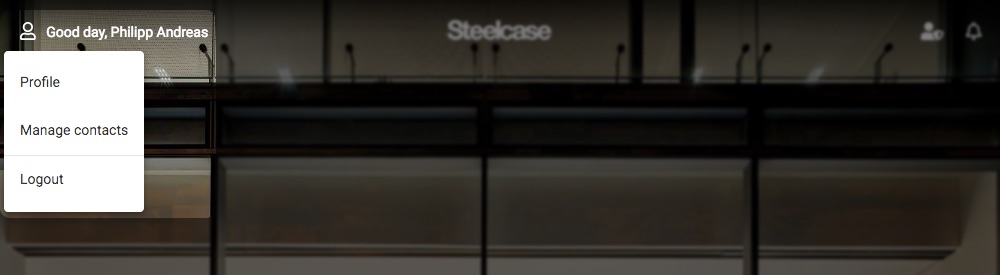
The profile screen allows you to manage certain aspects of your profile.
Look and Feel
The following items can change your experience within the application:
- Firstname / Lastname : Your display name (as seen by others)
- System language : overrides the browser language, but also changes all communications (email, notifications) too
- Brand theme : changes the branding for the application if other brands are available
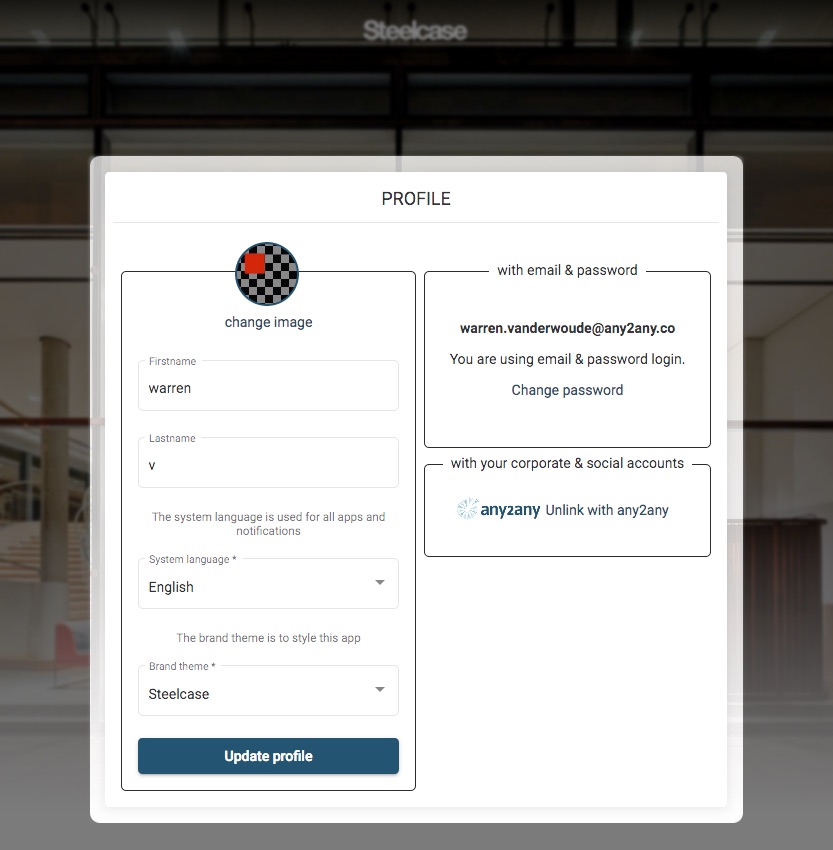
Additionally, if you use an email login, you can change your password here.
Linking to a corporate SSO provider
If your organisation is connected to any2any via a corporate SSO (example OneLogin) you can link your existing account to use this feature. Click on the “Link with any2any” link under “with your corporate & social accounts” to enable. You will be forwarded to your corporate SSO site and may be prompted again to log in.
Once you have completed the corporate linking, you will no longer have the option to log in with a password: