Dashboard
The main dashboard screen shows up and coming events, notifications and contacts as well as providing controls for creating events, checking into a location and updating your profile.
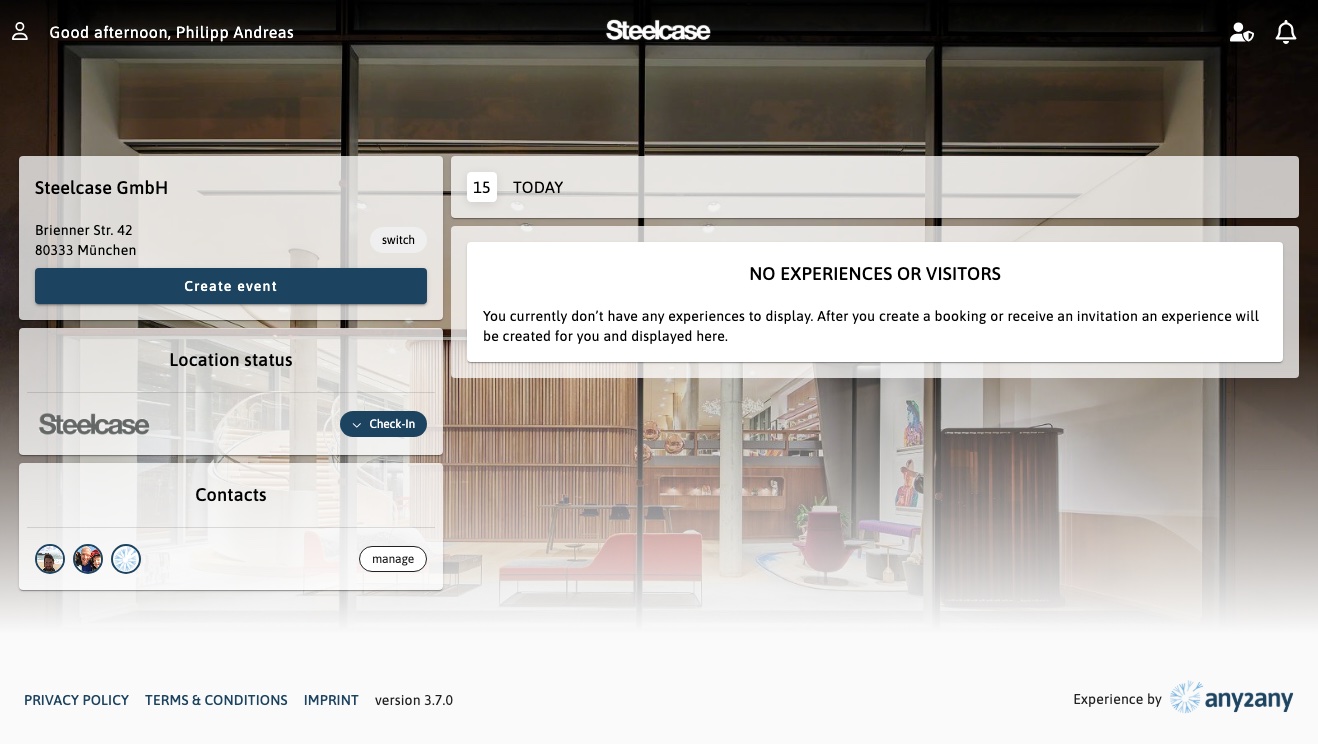
Menu and Top pane
Menu for editing your profile, contacts and logging out can be opened by clicking on your name or the user icon on the top left.
Notifications of events, messages or important announcements can be seen by clicking on the notifications bell icon on the top right.
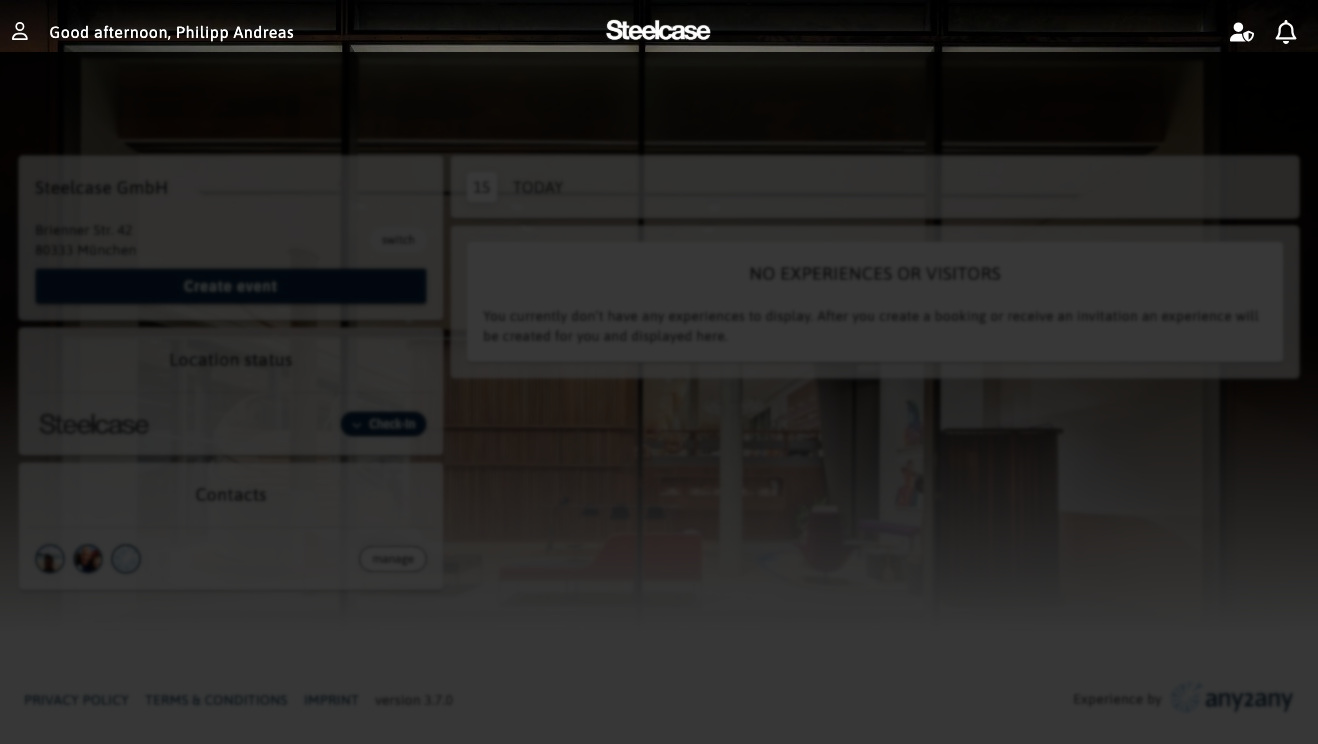
Notifications
Clicking on the bell opens the notifications panel.
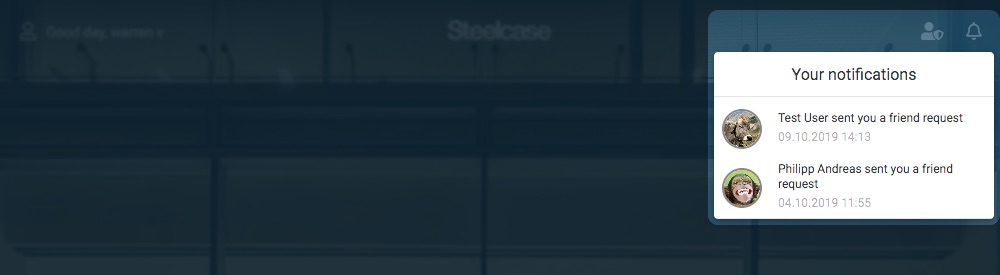
Location (Primary location)
This shows a list of locations and spaces where you can book, reserve or invite people to a location. Your primary location is always shown, but if you need to invite a visitor to another location, you can switch using the switch button shown.
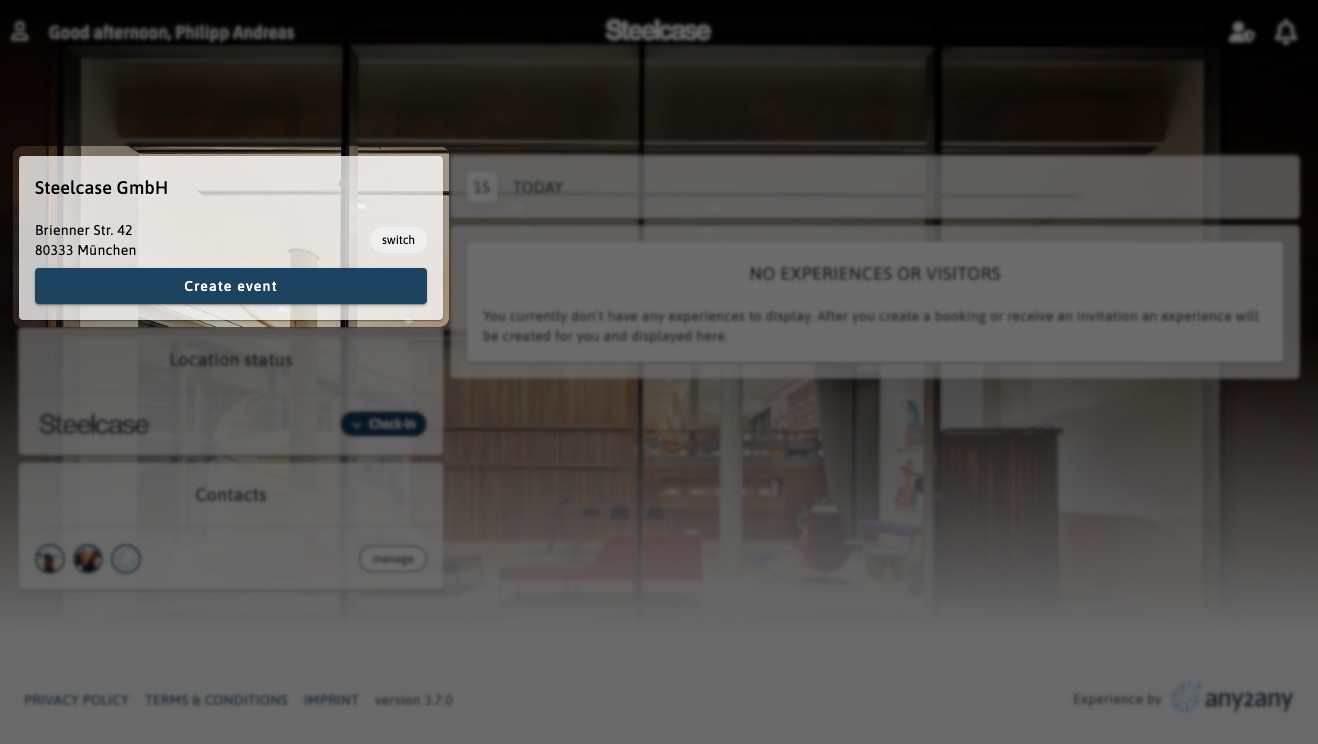
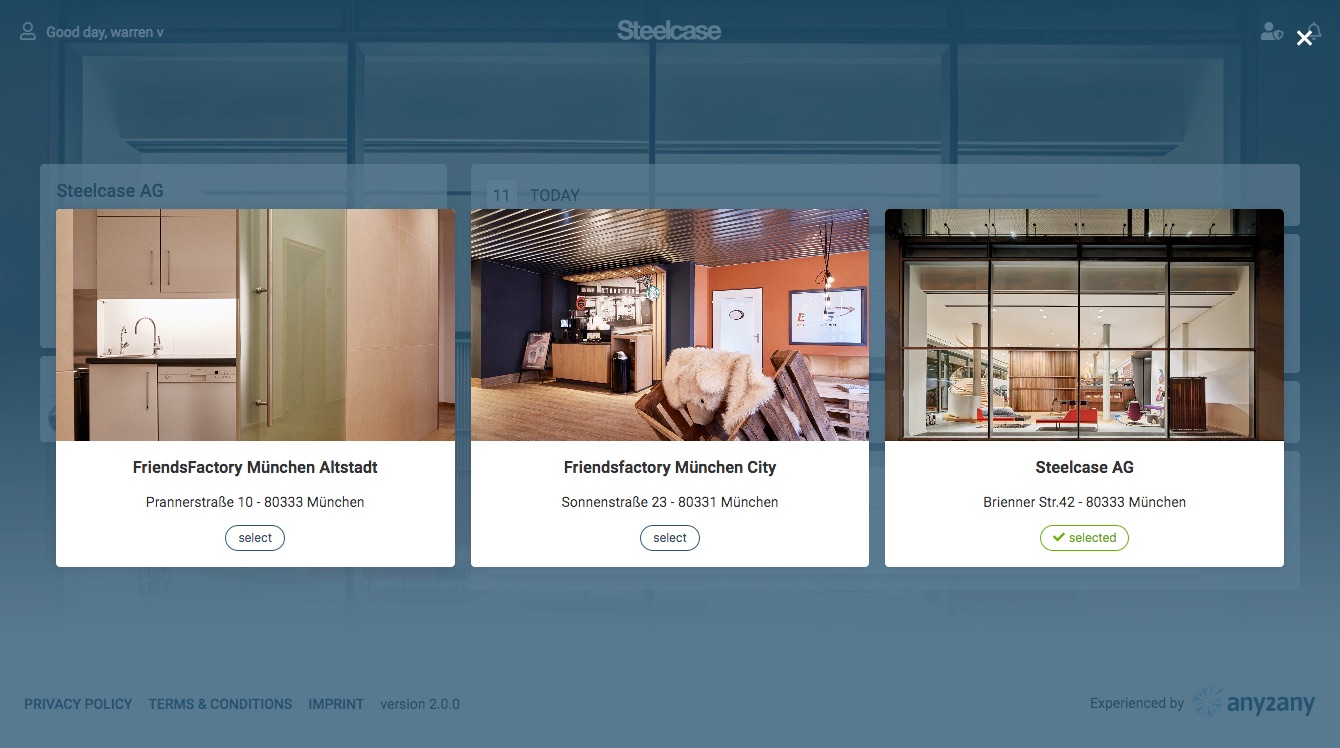
Presence / Location status
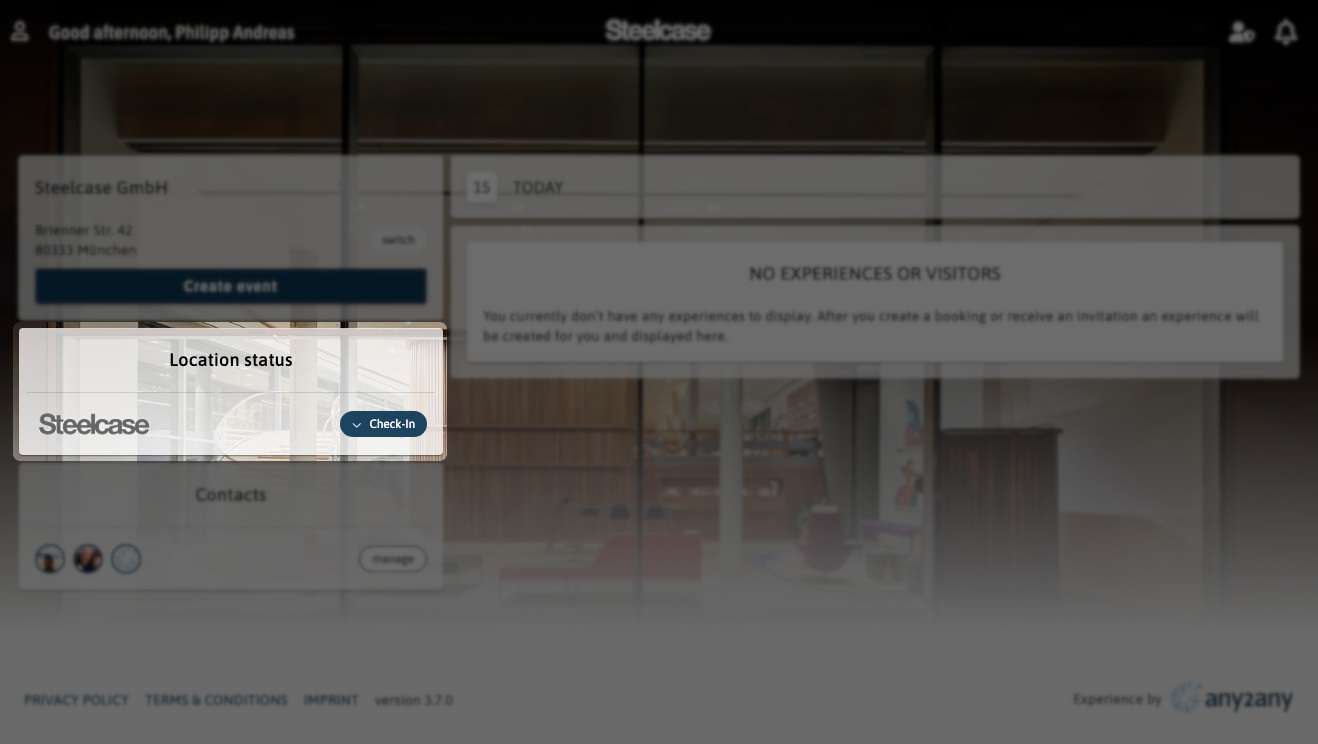
The Location status section allows you to manage your presence by checking in or out of any locations you have access to. To Check-in, click on the Check-in button and select the appropriate location. After you have checked in, you can use the change button to switch your location. To check out, either hit the button symbolizing you location, or press the change button and select check-out.
Contacts
Shows a quick view of your contacts and controls to manage them.